 Green Screen Memes
How to make meme videos for your small business
Meme videos are the cheapest content a small business can post: a reaction clip everyone knows, a caption about your customers, your own photo behind it. Here is what works, with real examples, and how to make one free in about a minute.
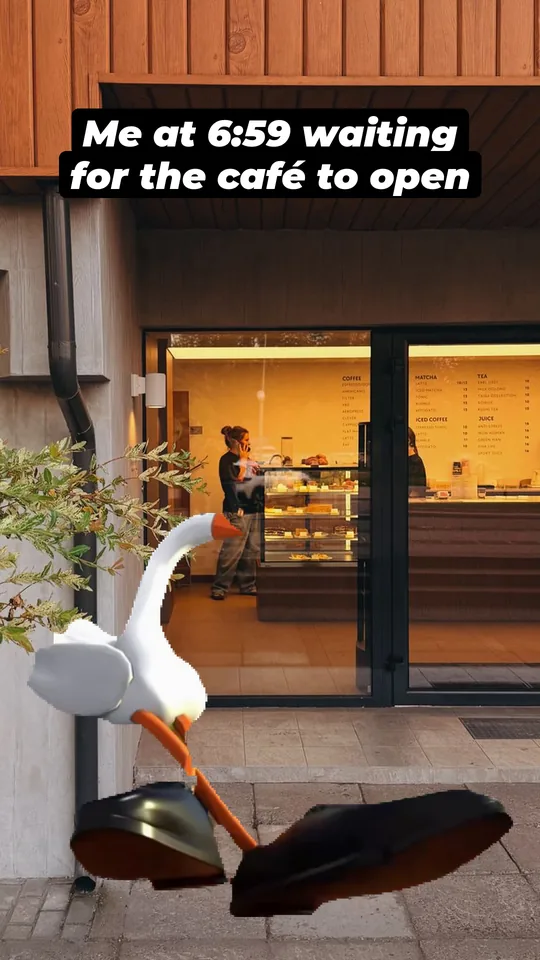 Clip: Impatient goose
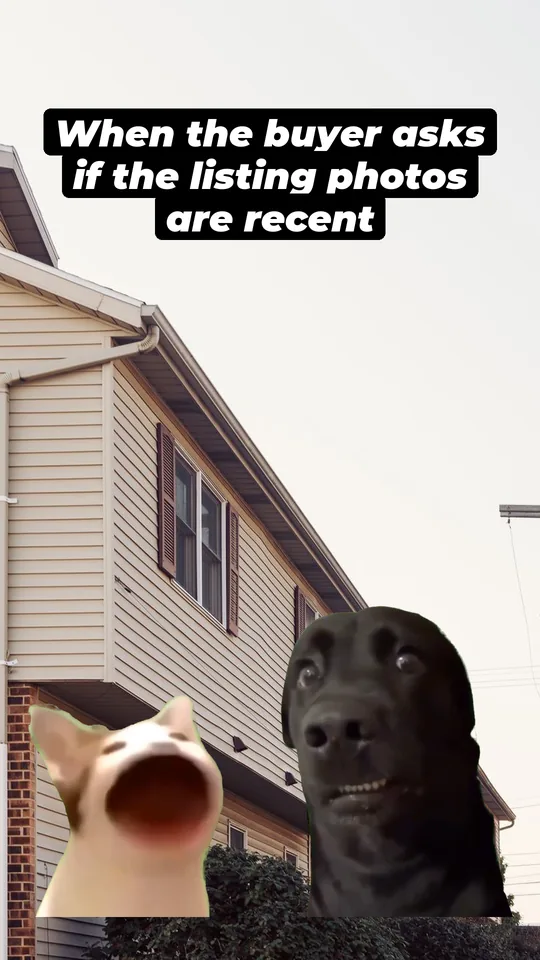 Clip: Cat talking to an awkward dog
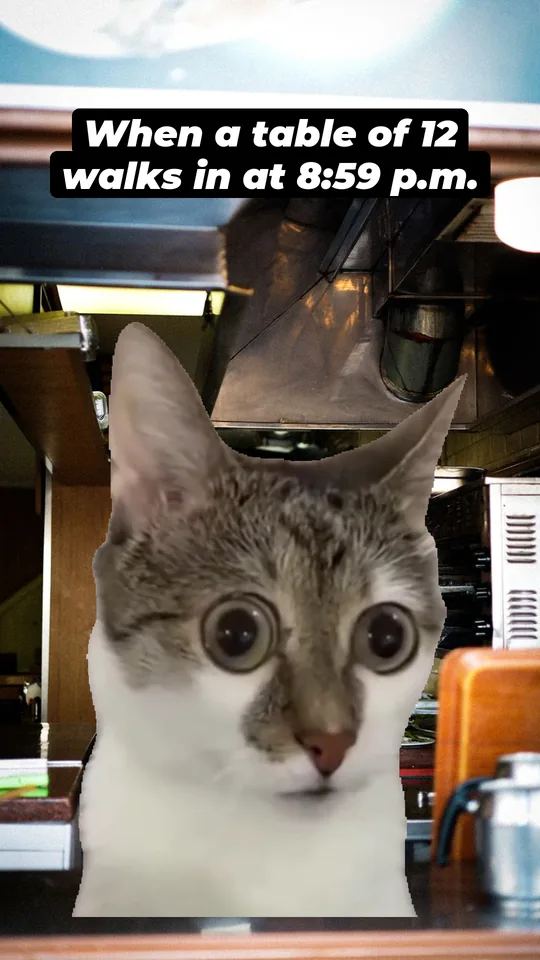 Clip: Shocked cat with big eyes
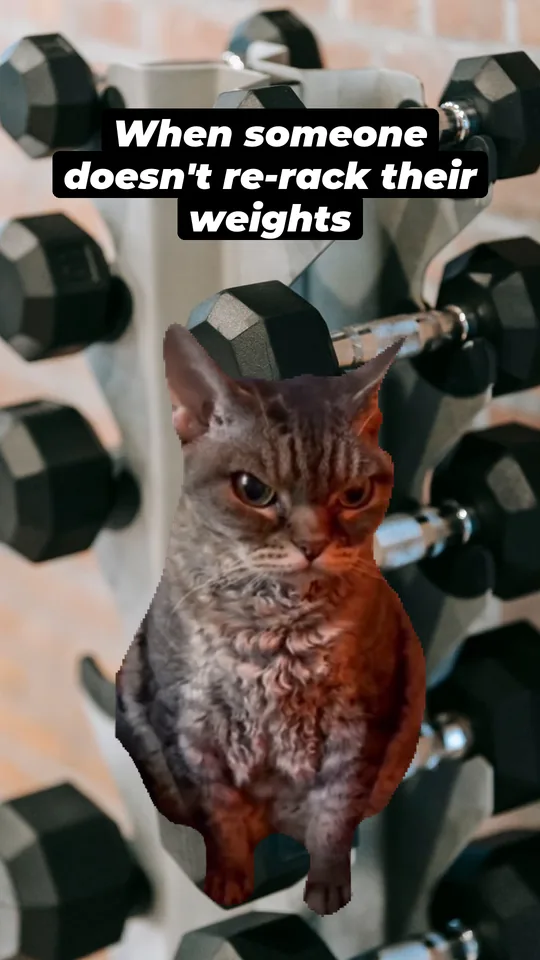 Clip: Angry Cat
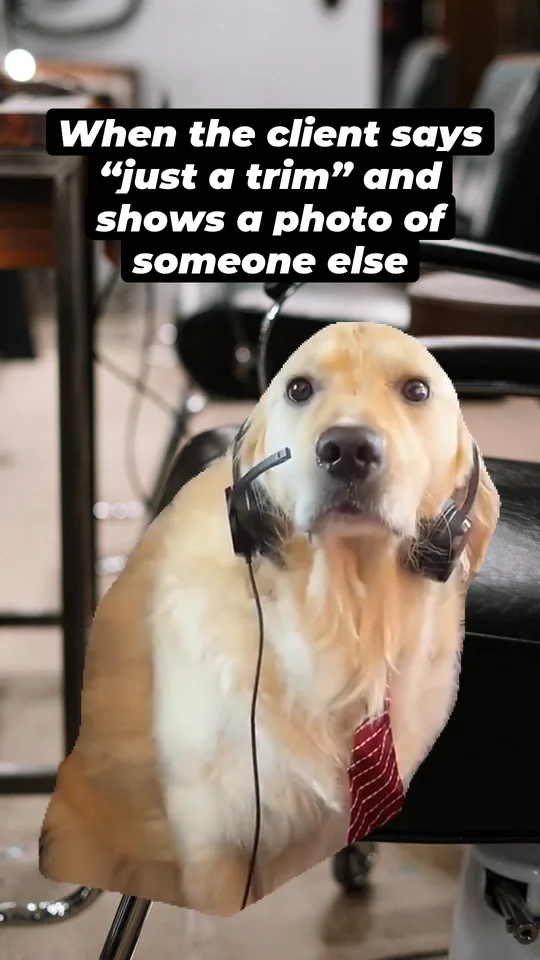 Clip: Confused dog at work
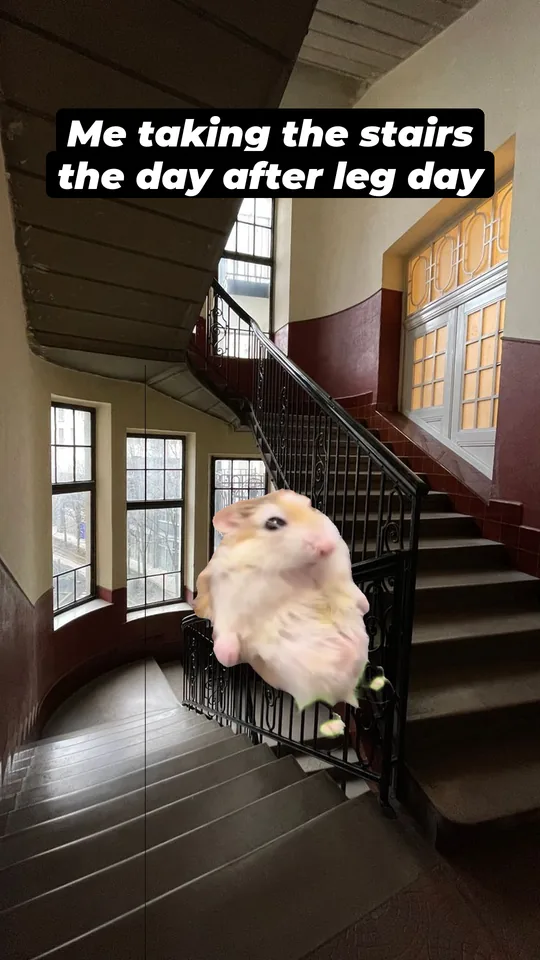 Clip: Hamster in flip flops falls
Stills from the videos. Background photos from Pexels.
Why meme videos work for small businesses
Short vertical video is where people spend their time on Instagram, TikTok and YouTube, and memes are the format they already share with friends. A meme about a moment your customers know (the 6:59 wait for coffee, the leg-day stairs, the “just a trim”) gets shared because it's about them. Each share shows your business to people who don't follow you yet.
They're also cheap. You don't need to film, act or edit: the clip already exists, and your part is the joke and a photo of your place.
The recipe
- A reaction clip: a shocked cat, a side-eyeing dog, a goose losing patience. It's the punchline.
- A caption: the setup, about your customers' day. “When…”, “Me when…”, “POV:”.
- Your photo behind it: the counter, the gym floor, the chair, the product.
How to make one in a minute (free)
- Open the AI Meme Maker and type the moment, like customers waiting for us to open. It picks a reaction clip and writes the caption.
- Make it yours. Swipe through backgrounds, change the caption, or tap Edit to put the clip over your own photo: your shop, your team, your product.
- Export the video (vertical, ready for Reels, TikTok and Shorts) and post it. Most clips come with their own sound.
Prefer to pick the clip yourself? Search the green screen library by reaction (“shocked”, “side eye”, “happy dance”) and press Use.
Using Claude? Add Green Screen Memes as a connector (https://api.greenscreenmemes.app/mcp) and ask it to “make a meme about” your business. It writes the joke, picks the clip and hands you a link that opens the meme in the editor.
Ideas by business
- Meme videos for restaurants and cafés: ten ideas with examples.
- Meme videos for gyms and personal trainers
- Meme videos for hair salons and barbers
What makes a business meme work
- Your customers' moment, not your sales pitch. The meme should be something your customers recognise from their own life. The business is the setting, not the punchline.
- One joke, short caption. Under about 80 characters reads at a glance. “When…”, “Me when…” and “POV:” are classics for a reason.
- Your own photo behind the clip. It's what makes the meme yours instead of one anyone could post.
- Animals for ads. Clips of recognisable people are fine for your own posts, but keep them out of paid ads and sponsored posts. Animals, objects and cartoons are safe everywhere.
- Post often. A meme takes a minute; three a week beats one polished video a month.
Making these for many clients?
Agencies and social media managers can automate it. The Green Screen Memes meme API gives an AI agent or your own app the whole library: search by reaction, trending clips, and a ready video recipe for each clip. A step-by-step guide shows an agent making a week of meme Shorts for a brand. The free key covers 50 videos.
Questions
What is a green screen meme?
A short meme clip (a reaction like a shocked cat or a dancing dog) filmed or cut out on a solid green background. The green is removed, so the clip can stand in front of any picture: your shop, your product, your team.
Is it free?
Yes. The editor and the green screen library are free in the browser, and the AI Meme Maker gives you free AI memes to start. Green Screen Memes Pro adds more AI memes and removes limits.
Can I use these memes on my business account?
Yes, for your own posts. The clips are internet memes, so the original footage isn't ours to license: keep clips of recognisable people out of paid ads and sponsored posts. Animal, object and cartoon clips are fine there too.
What size are the videos?
Vertical 1080×1920, the size Instagram Reels, TikTok and YouTube Shorts use.
Can AI make the meme for me?
Yes. Type the moment into the AI Meme Maker and it picks the clip and writes the caption. You can change anything before you export.